 Auto Clicker

Clicks and key presses,
handled for you.
An assistive tool that performs mouse clicks and keyboard presses on your behalf — so you don't have to. Designed for users with RSI, arthritis, or limited mobility. Free, lightweight, no ads.
See it in action
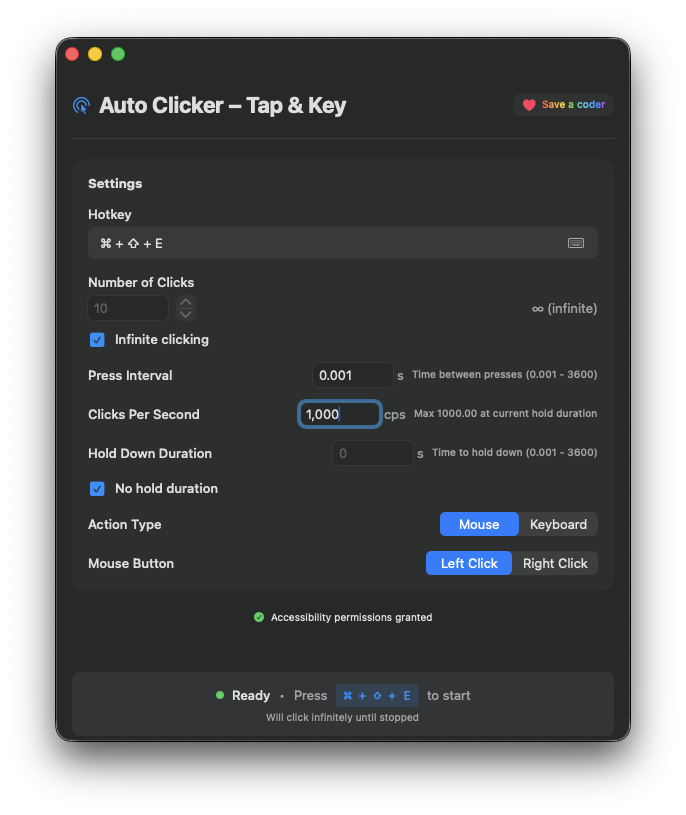 Mouse Mode
 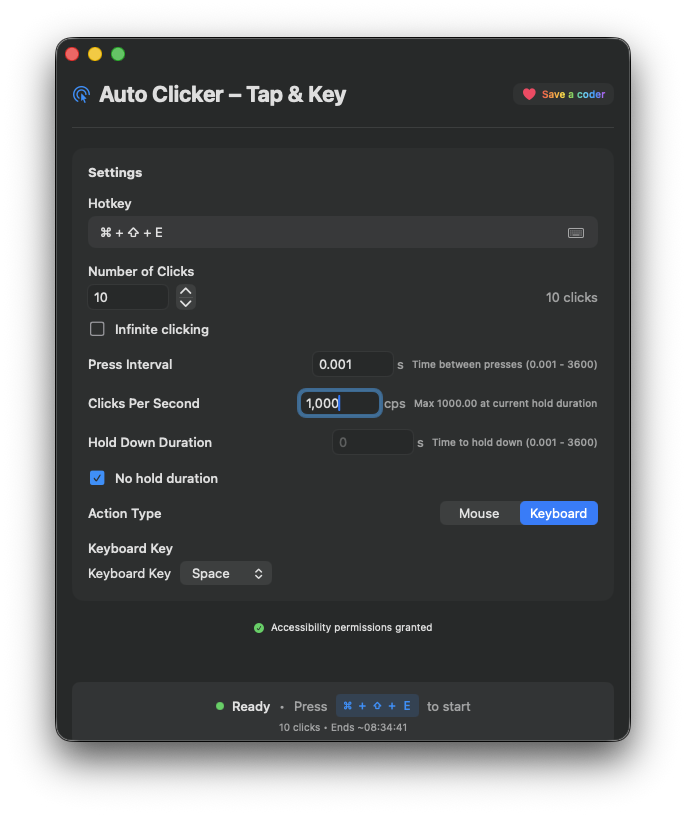 Keyboard Mode
 Features
Precise control over every press
Everything you need to reduce repetitive input strain. Nothing you don't.
Mouse Click Automation
Automate left or right mouse clicks with precise timing and repeat control.
Keyboard Key Automation
Trigger any key press — letters, numbers, arrows, function keys, and more.
Precision Timing
Set exact click count, press interval, and hold duration down to the millisecond.
Clicks Per Second
Live CPS display. Set your target rate and the timing syncs automatically.
Infinite Clicking Mode
Enable infinite mode for tasks that should run until you say stop.
Global Hotkey
Start and stop from anywhere on your Mac — no app switching needed.
Menu Bar Access
Runs quietly from your menu bar. Always ready, never in the way.
Minimal Interface
A focused, distraction-free UI that gets out of your way and just works.
Who It's For
Built for accessibility and productivity
Repetitive Strain & RSI
Reduces the physical toll of repetitive clicking and key pressing for users managing RSI, carpal tunnel, or overuse injuries.
Arthritis & Limited Mobility
Performs clicks and key presses on your behalf, so users with arthritis, tremors, or limited hand mobility don't have to.
Productivity
Handles repetitive workflows — form filling, data entry, batch tasks — so you can focus on what matters.
Software Testing
Simulate precise, repeatable user input for testing your own apps and interfaces.
⚠️ A note on responsible use
This app is built for accessibility and personal productivity. Please use it responsibly — don't use it to automate actions on platforms or services that prohibit it, and always respect the terms of any third-party apps you interact with.
Less strain. More done.
Free on the Mac App Store. No subscription, no sign-in, no nonsense.
Download on Mac App StoreRequires macOS 13 Ventura or later